

• Home
  • Products
    • Channel Manager
    • Revenue Management Service
    • Hotel Booking Engine
    • Hotel Revenue Management System
  • Company
    • About Us
    • Partners and Investors
    • Careers
    • News/Media
    • Reviews
    • Support
    • Contact Us
  • Integrations
  • Resources
    • Blogs
    • Ebooks
    • Case Studies
    • Guide
  • Login
    • Channel Manager
    • Booking Engine
    • Revenue Management System
  • Request Demo
sales@axisrooms.com
support@axisrooms.com
Support: +91 8061914800
AxisRooms AxisRooms
AxisRooms AxisRooms
  • Home
  • Products
    • Channel Manager
    • Revenue Management Service
    • Hotel Booking Engine
    • Hotel Revenue Management System
  • Company
    • About Us
    • Partners and Investors
    • Careers
    • News/Media
    • Reviews
    • Support
    • Contact Us
  • Integrations
  • Resources
    • Blogs
    • Ebooks
    • Case Studies
    • Guide
  • Login
    • Channel Manager
    • Booking Engine
    • Revenue Management System
  • Request Demo
  • Request Demo

MakeMyTrip Hotel Registration Guide for Hotels 2026

Home MakeMyTrip Hotel Registration Guide for Hotels 2026

MakeMyTrip Hotel Registration Guide for Hotels 2026

TL;DR
Using MakeMyTrip boosts hotel visibility, but real profitability comes from optimized listings and smart, centralized OTA management that prevents revenue loss.

Summarize this blog post with:

ChatGPT Perplexity Claude Grok

How to List Your Hotel on MakeMyTrip | Step-by-Step Guide 2026 

If you’re running a hotel today, online visibility is everything. Guests aren’t walking in anymore; they’re searching, comparing, and booking online within minutes. And platforms like MakeMyTrip have become a major booking source for hotels across India.

But here’s where many hoteliers struggle: getting listed is easy, but optimizing that listing for consistent bookings is where things fall apart. From incomplete profiles to poor rate management, small mistakes during MakeMyTrip hotel registration can cost you significant revenue over time.

In this guide, we’ll walk you through how to register your hotel on MakeMyTrip, set up your listing the right way, and what you need to do after going live to actually drive bookings.

What Is MakeMyTrip Hotel Partner Registration?

MakeMyTrip hotel partner registration is the process of listing your property on the MMT portal, enabling you to sell rooms online and manage bookings digitally. Once registered, your hotel gains visibility among high-intent travelers and can update pricing, inventory, and content in real time. However, managing multiple OTAs manually can lead to inconsistencies, which is why centralized distribution tools become essential as your online presence grows. 

Read Also – How to Choose the Best Dynamic Pricing Software for Hotels

In 2026, OTA presence directly impacts occupancy, pricing power, and visibility. MakeMyTrip stands out as a primary demand driver for hotels in India.

  • Massive market reach (~50% share) → Access a large pool of high-intent travelers actively booking hotels
  • Rising premium demand → Higher-value bookings (₹15K+) help improve ADR and revenue mix
  • “Loved by Indians” tag → Builds trust and improves click-through and conversion rates
  • Global partnerships → Expands visibility to international and outbound Indian travelers
  • AI-driven discovery (Myra) → Improves listing visibility through smarter search and recommendations
  • Corporate & agent bookings (myBiz) → Adds consistent demand beyond leisure travel

Now that you understand why MakeMyTrip matters, let’s break down how to get your hotel listed correctly without delays or errors.

Step-by-Step Guide to Register Your Hotel on MakeMyTrip

Here’s how you can complete your makemytrip registration smoothly:

1. Visit the MakeMyTrip Partner Portal

Go to the official MakeMyTrip partner page and start your hotel registration process.

2. Submit Property Details

You’ll need to provide:

  • Property name and location
  • Room types and total inventory
  • Amenities and services
  • Contact details

3. Upload Required Documents

Typically includes:

  • GST registration
  • ID proof
  • Bank details for payouts

4. Add Property Images

High-quality images are critical. Hotels with better visuals often see higher conversion rates.

5. Set Pricing & Availability

You’ll define:

  • Room rates
  • Availability calendar
  • Seasonal pricing

6. Go Live After Approval

Once verified, your property goes live on the MMT portal.

Quick Snapshot of the Process

Step Action What to Focus On
Registration Submit basic details Ensure accuracy to avoid rework
Documentation Upload legal & bank info Complete all fields to prevent delays
Listing Setup Add rooms & images Use high-quality visuals
Pricing Set room rates Stay competitive in your market
Go Live Start selling Monitor performance closely

Documents Required to List Your Hotel on MakeMyTrip

Before starting your MakeMyTrip hotel registration, keep these documents and details ready to avoid onboarding delays and rejections.

  1. PAN Card → Required for business identity verification
  2. GST Certificate → Needed for taxation and financial transactions
  3. Bank Details → For payouts (usually verified via cancelled cheque)
  4. Identity Proof → Aadhaar, Passport, or Voter ID of owner
  5. Ownership/Lease Agreement → Confirms property ownership or management rights
  6. Licenses → Trade license, fire safety permit, and police registration
  7. High-quality photos → Clear images improve listing conversions
  8. Property details → Accurate address, room types, and amenities
  9. Relationship document → Required if the onboarding person does not own the property
Read Also – Dynamic Pricing vs Revenue Management in Hotels: What Drives Revenue More?

How to Add Room Types, Rates, Photos, and Amenities

Once your registration is approved, setting up your property correctly on the MMT extranet ensures better visibility and conversions.

Quick Setup Checklist:

  1. Room Types & Rates
  • Go to ‘Property’ → Manage Rooms
  • Add room categories with correct occupancy
  • Set extra guest charges and pricing clearly
  1. Amenities & Property Rules
  • Tick all relevant amenities (Wi-Fi, power backup, toiletries)
  • Define check-in/check-out timings
  • Add cancellation and child policies accurately
  1. Photos Upload
  • Navigate to ‘Photos’ section
  • Upload high-resolution images
  • Tag properly (Bedroom, Bathroom, Facade) for better discoverability

How Does the MakeMyTrip Ranking Algorithm Work?

MakeMyTrip’s ranking isn’t random; it’s designed to show hotels that are most likely to get booked. It combines user behavior, content quality, and conversion signals to decide which properties appear at the top.

  • User behavior & personalization → Hotels that users click, view, and engage with more get pushed higher
  • Conversion performance (L2R models) → Listings that lead to actual bookings rank better over time
  • Content quality & completeness → Better photos, descriptions, amenities, and accurate data improve visibility
  • Pricing & competitiveness → Hotels with competitive rates and availability get a ranking boost
  • Reviews & guest experience signals → Strong ratings and active review responses improve trust and ranking

In simple terms: the more your listing attracts clicks, engagement, and bookings, the higher it ranks. 

Read Also – Manual vs Automated Rate Parity for Hotels: Which Approach Works Better?

How to Improve Your MakeMyTrip Hotel Listing Visibility To Rank Higher

Getting listed is just the first step; your ranking determines whether guests actually find and book your property.

Key Strategies for Better Visibility

  • Improve Content Score → Add complete details, high-quality images, and a strong cover photo
  • Use Sponsored Listings → Appear in top search results with controlled budgets
  • Add Detailed Information → Include room size, bed type, amenities, and policies clearly
  • Keep Pricing Competitive → Monitor competitors and update rates regularly
  • Upload Rich Media → Add 20–30+ photos and videos to increase engagement
  • Manage Reviews Actively → Respond to guest feedback to build trust and ranking

As your listing grows across platforms, managing rates and availability manually becomes harder, and that’s where most operational errors begin.

Common Mistakes to Avoid During MMT Hotel Registration

Even small errors during listing can impact your visibility, rankings, and guest experience. Avoid these common pitfalls before going live.

  • Inaccurate availability (overbooking) → Unsynced calendars lead to double bookings and guest dissatisfaction
  • Poor photos or descriptions → Weak visuals reduce clicks and booking intent
  • Ignoring reviews → Unanswered feedback damages trust and ranking
  • Vague policies → Missing rules create confusion and cancellations
  • Incorrect non-refundable setup → Leads to revenue leakage
  • Missing documentation → Delays onboarding and approvals
  • Incorrect location pin → Impacts discoverability and guest experience

Most of these issues stem from manual management and a lack of centralized control, something modern systems are designed to fix.

Final Checklist Before MakeMyTrip Listing Goes Live

Before submitting your listing, run through this final checklist to ensure everything is accurate, complete, and optimized for visibility.

Go-Live Checklist:

  1. Property Details & Basics
  • Property name, type, and category are correct
  • Description is clear, detailed, and engaging
  • Location pin is accurate on the map
  • Address matches legal documents
  • Contact details are valid and reachable
  1. Room Inventory & Rates
  • Room categories with occupancy & bed types added
  • Competitive and updated pricing set
  • Availability calendar is accurate
  • Meal plans are clearly defined
  1. Visual Content
  • 8–10 high-quality images uploaded
  • Covers bedroom, bathroom, exterior, and lobby
  • Photos include clear captions
  • Video walkthrough added (if available)
  1. Amenities & Policies
  • All amenities selected accurately
  • House rules are clearly defined
  • Cancellation policy set properly
  1. Legal & Financial Setup
  • Ownership/lease documents uploaded
  • KYC verified
  • Bank details correctly entered
  • GST/PAN details updated
  1. Final Steps
  • Content Score checked and optimized
  • Listing submitted for verification
  • MakeMyTrip app installed for easy management

How Hotels Can Manage Multiple OTAs with AxisRooms Channel Manager

Managing one OTA is manageable; managing multiple OTAs manually is where complexity and errors begin to scale.

This is where a centralized platform like AxisRooms Channel Manager helps hotels streamline distribution, reduce manual effort, and maintain real-time accuracy across channels.

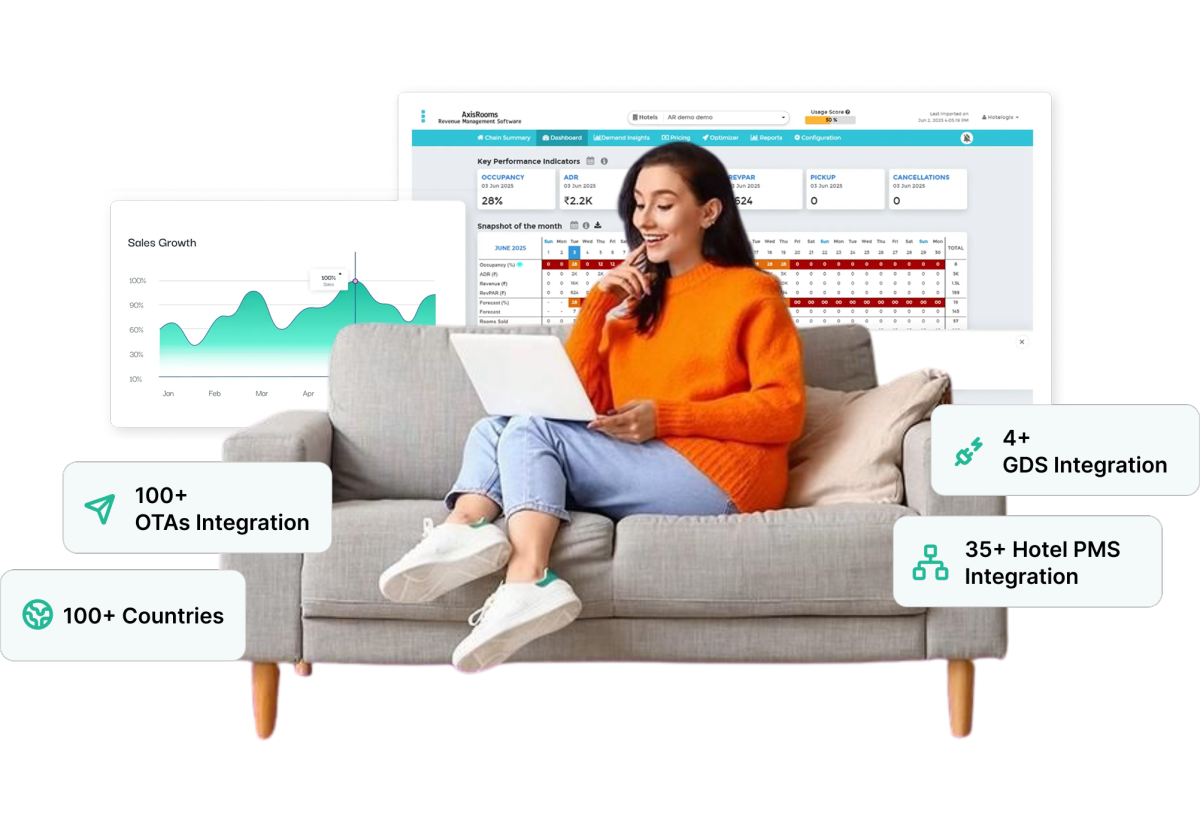
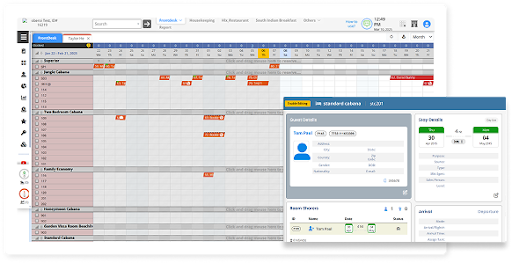
  • OTA Integrations → Connect with 100+ OTAs and manage all listings from one dashboard
  • PMS Integrations → Sync reservations, inventory, and guest data in real time
  • Payment Gateways → Enable smooth, secure transactions across booking channels
  • Channel Manager → Update rates and availability once; reflect everywhere instantly
  • Revenue Management Service → Optimize pricing based on demand and market trends
  • Web Booking Engine → Capture direct bookings while reducing OTA dependency

AxisRooms brings distribution, pricing, and booking control into one system, helping hotels scale faster with fewer errors and higher revenue.

Conclusion

Managing one OTA is simple. Managing 5, 10, or 20 OTAs manually is where rate errors, overbookings, and missed revenue start to creep in.

AxisRooms Channel Manager helps hotels update booking rates, dynamic pricing, inventory, and availability across multiple OTAs from one centralized dashboard, ensuring every channel stays accurate and synchronized in real time.

Maximize Hotel Revenue with Axisrooms

Book a free Demo
Support Agent

FAQs

Yes, MakeMyTrip hotel registration is generally free. However, once your property starts receiving bookings, the platform charges a commission per booking, which varies based on hotel category, location, and agreement terms.

Typically, a hotel listing goes live within 24–72 hours after successful document verification and onboarding. Delays can occur if documents are incomplete or property details are inaccurate.

Yes, listing on MakeMyTrip automatically gives you visibility on Goibibo, as both platforms are part of the same group. This helps hotels reach a wider audience without separate onboarding.

MakeMyTrip allows a wide range of properties, including hotels, resorts, guest houses, villas, serviced apartments, and homestays, provided they meet basic compliance and documentation requirements.

Yes, MakeMyTrip charges a commission on each booking. While it varies, the typical range is between 15% to 25%, depending on your property type, location, and negotiated terms.

Absolutely. Small and independent properties can easily register on MakeMyTrip. In fact, many budget hotels and homestays use OTAs as their primary demand source to increase visibility and bookings

This usually happens due to incomplete content, low-quality images, pricing issues, or a low content score. Ensuring accurate details, competitive pricing, and complete profiles improves visibility significantly.

Hotels can update rates and inventory through the MakeMyTrip extranet. However, managing this manually across multiple OTAs can be time-consuming. Many hotels use a channel manager like AxisRooms to update everything in real time from a single dashboard.

Yes, you can temporarily stop selling rooms by marking inventory as unavailable or using stop-sell options in the extranet. This is useful during renovations or low operational periods.

Overbookings usually happen due to delayed or manual updates across platforms. Using a centralized system with real-time inventory sync helps ensure availability is updated instantly across all channels.

AxisRooms Channel Manager allows hotels to manage rates and availability across multiple OTAs from one platform. It updates inventory in real time whenever a booking happens, reducing manual work, preventing overbookings, and improving operational efficiency.

Abhishek Saurabh

Abhishek

Explore Topic

Subscribe

Join the newsletter to get the latest updates.

Table of Contents

    Request a Demo

    AR Ebook

    AxisRooms
    AxisRooms App AxisRooms App

    Sign up for Our Newsletter

    Be the first to hear about our announcements, get important news, amazing offers & inside scoops

      AxisRooms pci AxisRooms ssl

      Company

      • About Us
      • Investors
      • Careers
      • News/Media
      • Support
      • Reviews
      • Contact Us
      • Privacy Policy
      • Terms and Conditions
      • Articles

      Products

      • Channel Manager
      • RM as Service
      • Web Booking Engine
      • Hotel Revenue Management System

      Why Axisrooms?

      • Staah Alternative
      • Aiosell Alternative
      • Siteminder Alternative
      • Rategain Alternative
      • DJUBO Alternative

      Axisrooms

      A complete suite of products for the hospitality industry

      Headquarters

      • 3287, Sriram Samanthu Chambers, 3rd Floor, 12th Main, Indiranagar, Bengaluru, Karnataka 560038

      Sales

      • +91-9880330001
      • sales@axisrooms.com

      Support

      • +91-7026568280
      • support@axisrooms.com

      For support escalations

      • Arun
      • +91-9972181199
      • arun@axisrooms.com

      Contact Support

      • +91 8067488900
      • +91 8067417900
      • support@axisrooms.com
      Claim your 15-day free trial or request a demo
      Dynamic Pricing Popup

      By submitting this form, you accept our Privacy Policy